Sign up and log in
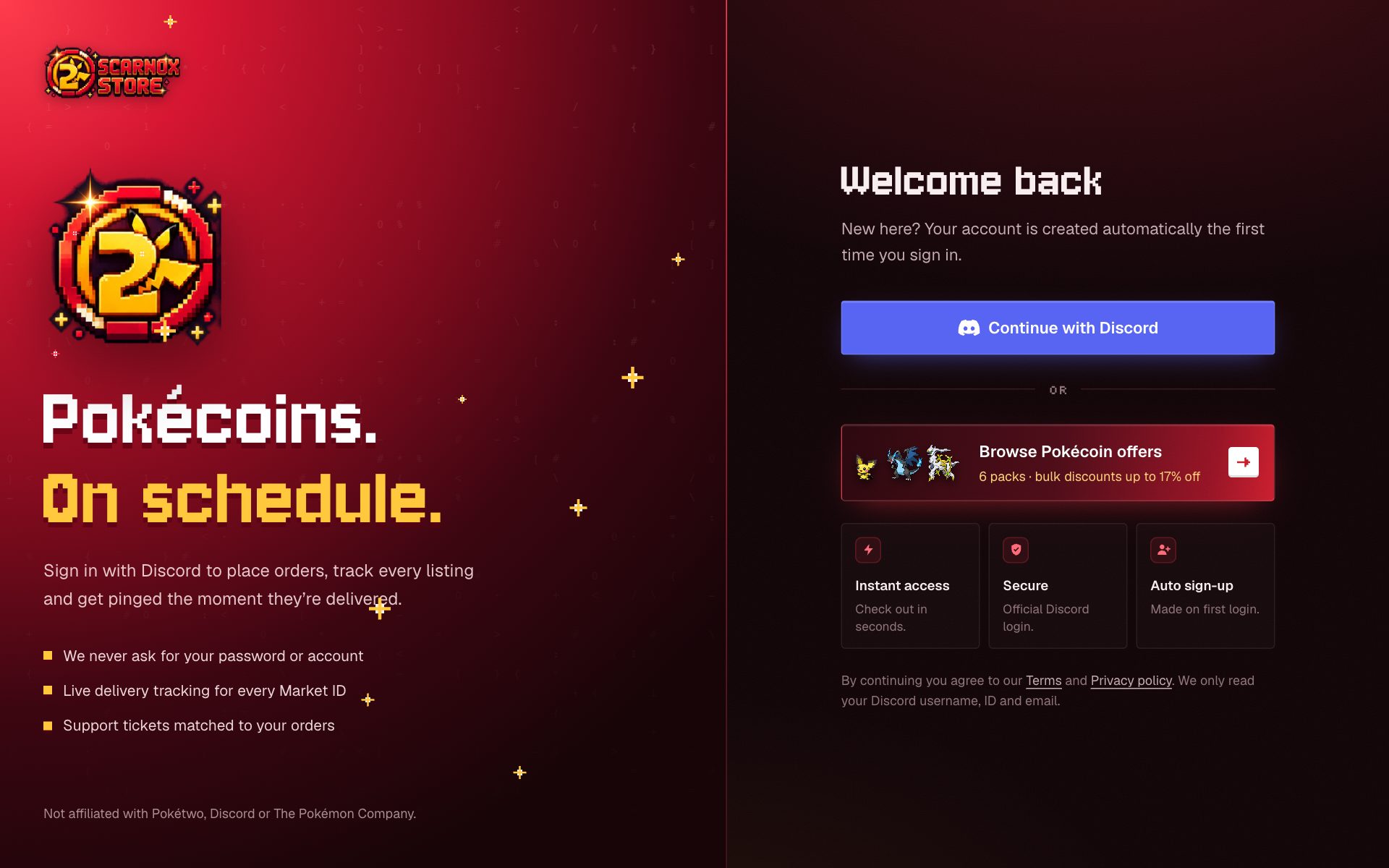
Create your Scarnox account with Discord. One click, no password.
Scarnox accounts use Discord sign-in. There's no separate password to create or forget, and your account is created automatically the first time you sign in.
Creating your account
Open the sign-in page
Click Sign in in the top bar of scarnoxpokecoins.store, or start an order and you'll be asked to sign in before checkout.
Continue with Discord
Click Continue with Discord. Discord opens and shows exactly what Scarnox will receive.
Approve
Click Authorize. You're sent straight back, signed in, and land on your dashboard (or wherever you were heading).
What we receive from Discord
- Your Discord username, display name and avatar
- Your Discord user ID
- Your email address (only if it's verified on Discord)
- Permission to add you to the Scarnox Discord server, where support and announcements happen
We never see your Discord password or token, and we can't read your messages or act as you. See Why we use Discord.
Logging in again
Click Sign in and Continue with Discord. If you approved Scarnox before, Discord usually signs you in instantly. You stay signed in on that device until you sign out.
When you're signed in, the top bar shows your avatar and Dashboard instead of Sign in.
Sign-in alerts
The first sign-in sends a welcome email. After that, if you sign in from a new network, we email you the time, device and IP address so you can spot anything unusual. You can see recent sign-ins in Settings.
Troubleshooting
Discord says the link or authorization expired
Sign-in links expire after 10 minutes. Go back to the sign-in page and click Continue with Discord again.
I signed in with the wrong Discord account
Sign out from the sidebar of your dashboard, sign out of Discord in your browser, then sign in again with the right account. If you already placed orders on the wrong account, open a ticket and we can move them.
It says my account is suspended
Contact us on Discord or by email at support@scarnoxpokecoins.store.